
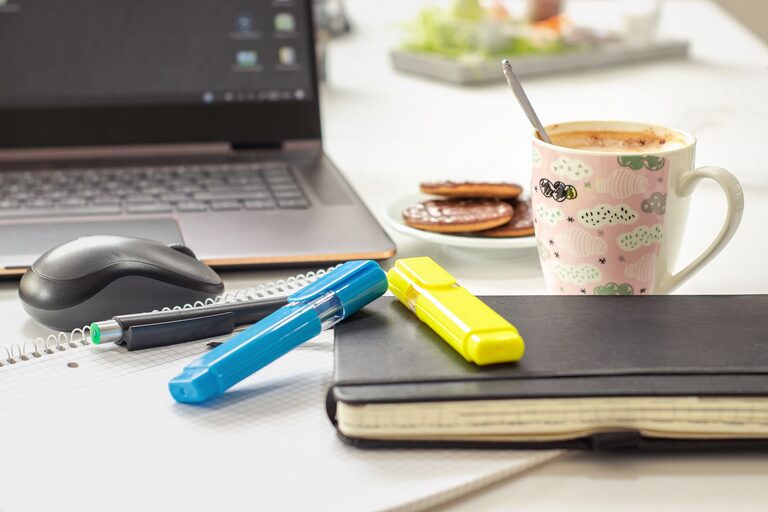
Refreshing your workspace doesn’t have to be a time-consuming task. In fact, just ten minutes can make a significant difference in how comfortable and productive you feel. Whether you work from home or in an office, a tidy and inviting workspace helps reduce stress and increase focus. Here’s a simple, step-by-step guide to quickly refresh your workspace.
Why Refresh Your Workspace?
A cluttered or dull workspace can affect your mood and concentration. Taking a few minutes to refresh the area can:
– Improve focus and creativity
– Reduce stress and distractions
– Create a more welcoming environment
– Boost motivation for the tasks ahead
Now, let’s dive into how you can achieve this in just ten minutes.
Step 1: Clear Your Desk Surface (3 minutes)
Start by clearing everything off your desk. Remove papers, books, cups, and any other items. Use this time to:
– Toss out or recycle any trash or unnecessary papers
– Put away items that don’t belong on your desk
– Place items you want to keep in a small pile
The goal is to start with a clean, blank surface.
Step 2: Wipe Down and Dust (2 minutes)
Once your desk is clear, quickly wipe the surface with a damp cloth or a disinfecting wipe. Don’t forget to:
– Dust your keyboard, mouse, and monitor base
– Clean any smudges on your screen or desk surface
A clean workspace feels fresher and more inviting.
Step 3: Reorganize Essentials (3 minutes)
Now, put back only the items you need daily, like your computer, notebook, and pen holder. While doing this:
– Arrange items neatly and within easy reach
– Use desk organizers or trays if you have them
– Keep cables tidy by bundling them with clips or ties
Less clutter means a calmer mind.
Step 4: Add a Personal Touch (1 minute)
Make your workspace more enjoyable by adding one or two personal items such as:
– A small plant or succulent for a touch of greenery
– A favorite photo or inspirational quote
– A scented candle or diffuser (if allowed in your office)
Personal touches make your workspace feel uniquely yours.
Step 5: Adjust Lighting and Chair (1 minute)
Finally, ensure your workspace is comfortable by:
– Adjusting your chair for good posture
– Positioning your monitor at eye level to reduce neck strain
– Opening blinds or turning on a desk lamp for better lighting
Good ergonomics and lighting support your health and focus.
Quick Tips to Maintain Your Refreshed Workspace
– Spend 2-3 minutes at the end of each day tidying up
– Keep a small trash bin nearby for easy cleanup
– Limit desk items to what you truly need
– Rotate personal items seasonally to keep things fresh
Refreshing your workspace regularly doesn’t have to take much time but can greatly enhance your work experience.
Conclusion
Taking just ten minutes to refresh your workspace can make a surprising difference in how you feel and perform throughout the day. By clearing clutter, cleaning, organizing, and personalizing your area, you create a space that supports productivity and well-being. Set a timer and give your workspace a quick refresh—you’ll be glad you did!

Related Posts